How I Automated My Homelab with Ansible
Turning a manually managed Proxmox homelab into reproducible infrastructure.
Like many homelabs, mine grew organically. First Jellyfin for media, then Immich for photo organization, then AdGuard Home for ad blocking, then a second bare-metal AdGuard Home on a Raspberry Pi so DNS survives a Proxmox outage (overtinker much?). I even built an n8n workflow that scrapes my kids’ awful school lunch website and automatically prints the lunch menu every month.
Eventually I had roughly 30 containers and VMs to manage. Every new service meant another container configured by hand, DNS entries added manually, users created, and setup steps I’d forget by the next time I needed them.
Updates happened whenever I remembered, or when something broke. Documentation lived mostly in my head. That works until it doesn’t.
My goal became simple: if I had to rebuild my lab tomorrow, I wanted to do it from code instead of memory.
Why Ansible
After 15 years in IT, infrastructure as code was a major gap in my skill set, so I decided to learn it by solving problems I actually had.
I didn’t want to build practice examples that would get deleted after the lesson. Instead, I asked Claude to help design a structured curriculum around a single goal: automate my existing production homelab.
Every lesson had to solve a real problem I actually had.
Building the Foundation
Before writing a single playbook, I built the foundation:
- Stood up Gitea as my Git server and Keycloak for authentication
- Provisioned my own development account
- Created a repository that would become the source of truth for the entire project
I also asked Claude to keep the lessons to roughly an hour each so I wouldn’t get tired or discouraged. At the same time, I worked through the excellent Ansible series from Learn Linux TV on YouTube
During every video I took notes, wrote down questions, and then used Claude to answer thosq q’s and fill in the gaps.
Even though it would’ve been much faster to use Claude Code and have it generate everything for me, I intentionally didn’t. I used the normal Claude chat interface and typed every play, task, and playbook myself.
I wanted the repetition, the muscle memory, and to get comfortable writing YAML instead of simply reviewing AI-generated code. I also wanted to find the mistakes Claude made first and try to figure out why they didn’t work before asking our AI overlord for help.
From there, every lesson produced something permanent.
What I Automated
Base Configuration and Accounts
I started with a base role that configured every new container consistently instead of manually repeating the same setup steps. Then I moved to dynamic inventory, letting Proxmox tell Ansible what exists instead of maintaining static inventory files by hand.
One of the first practical playbooks I built:
- Created an Ansible service account with SSH keys across every container so Ansible had a standard way to connect
- Deployed my own break-glass administrative account, letting me disable SSH as root while still maintaining emergency access
Provisioning
I created a hardened Debian template in Proxmox. The provisioning playbook asks for only a hostname and IP address, then automatically:
- Clones the template
- Places it on the correct VLAN
- Starts the container
- Adds it to my Ansible inventory
- Creates the appropriate DNS entry in AdGuard Home
A new service goes from idea to running in under two minutes with no manual DNS or inventory changes.
DNS as Code
I wanted DNS itself to become code. A CSV file serves as the source of truth, and Ansible syncs it with AdGuard Home through its API. If I ever rebuild my DNS server tomorrow, one playbook recreates the entire lab’s internal DNS configuration.
Updates and Rollback
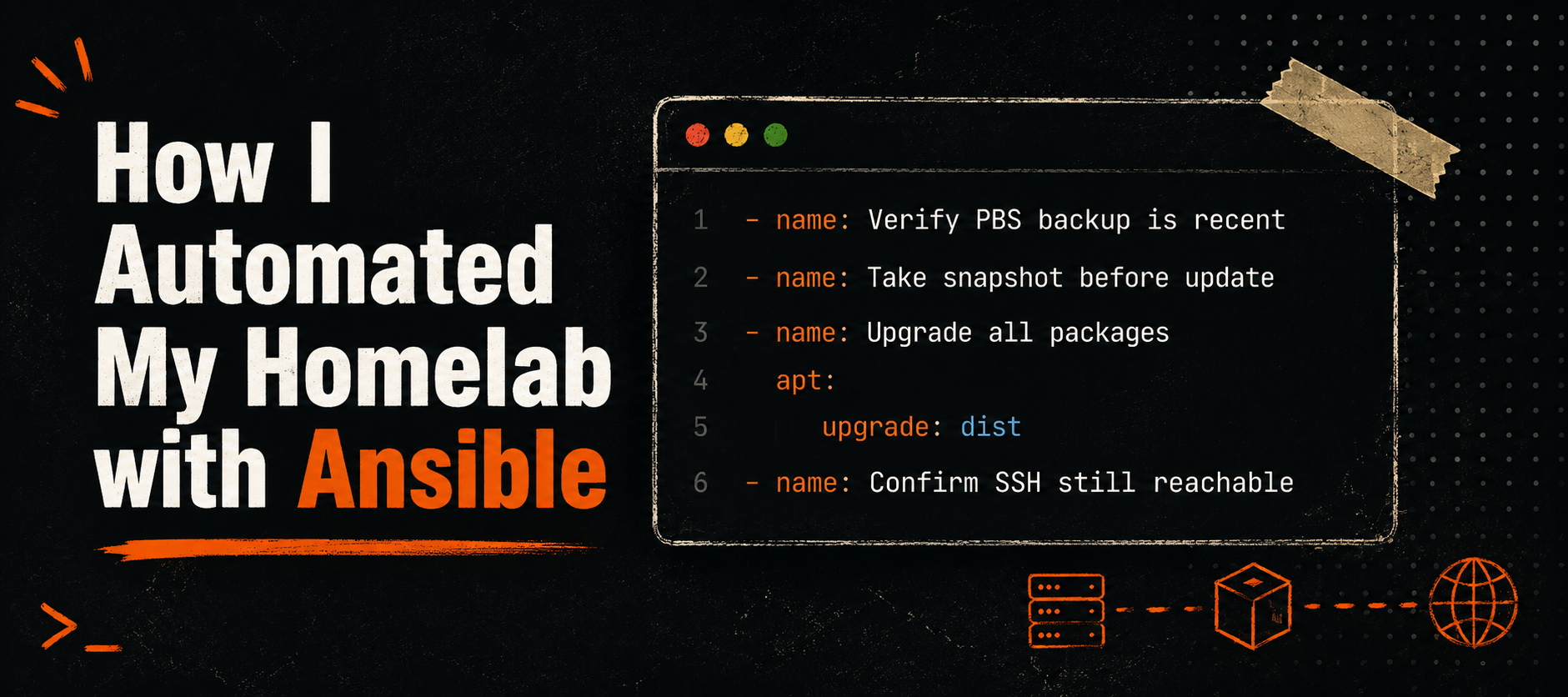
- LXC containers without bind mounts are snapshotted through the Proxmox API before updates are installed, confirmed reachable afterward, and snapshots are purged after 48 hours
- Containers with bind mounts verify that a recent backup exists on my Proxmox Backup Server before any updates are allowed to proceed
- Docker VMs include an additional step that stops containers, pulls updated images, and brings the stack back online
What I Got Wrong First
Some of my early playbooks worked exactly once.
They weren’t idempotent. They assumed perfect conditions. They failed halfway through and left containers in inconsistent states.
Learning how to use conditionals, validation, block/rescue error handling, serial execution, and safety checks turned out to be more valuable than learning YAML syntax. That’s the part no tutorial teaches you, you only find it when something you depend on breaks.
What I Learned
The biggest lesson wasn’t Ansible syntax.
It was that learning works better when the project matters.
Every playbook I wrote solved a problem I had that same day. Because the automation runs against infrastructure I actually depend on, I had to think about safety, repeatability, and recovery instead of simply making the code execute once.
Today the repository isn’t a collection of exercises. It’s the operational documentation for my homelab. New containers, users, DNS records, and updates all flow through code instead of memory.
The companion repo with full commented playbooks and roles is on GitHub: ansible-homelab-automation